> For the complete documentation index, see [llms.txt](https://notes.programmersecurity.com/llms.txt). Markdown versions of documentation pages are available by appending `.md` to page URLs; this page is available as [Markdown](https://notes.programmersecurity.com/network-penetration-testing/nmap-commands.md).
# Nmap Commands
## Nmap Scan Top Ports
```python
nmap -A -v --top-ports 20
```
### Nmap Scan on List of Hosts
```
nmap -A -v -iL Hosts.txt -oN output.txt
```
## Masscan
Massscan full port scan for TCP and UDP Both
```python
masscan -p1-65535,U:1-65535 --rate=1000 10.10.10.74 -e tun0
```
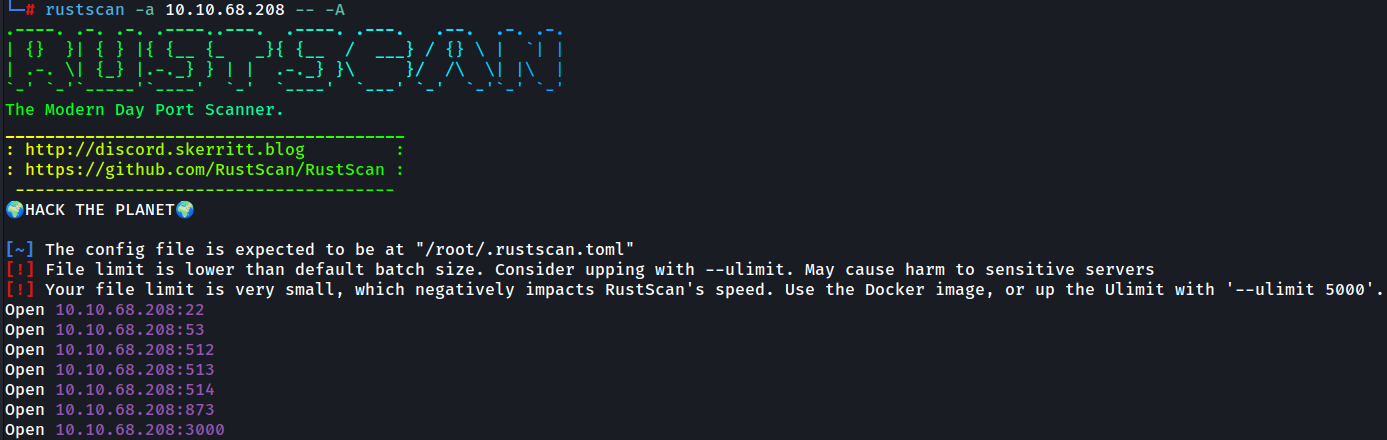
## Rustscan with Nmap (Fast Port Scanning)
This command Finds out Open Ports Quicky, then Passes the ports to Nmap with -A Flag to do Aggressive Scan
```python
rustscan -a 10.10.68.208 -- -A # Single IP
rustscan -a 192.168.1.1,192.168.1.2,192.168.1.3 -- -A # Multiple IPs
```
## Get IP, MAC && Vendor Name
```python
nmap -sn 172.26.10.0/24 | grep -E "Nmap scan report|MAC Address" | awk '/Nmap scan report/ {ip=$5} /MAC Address/ {print ip, $3, $4, $5}'
```
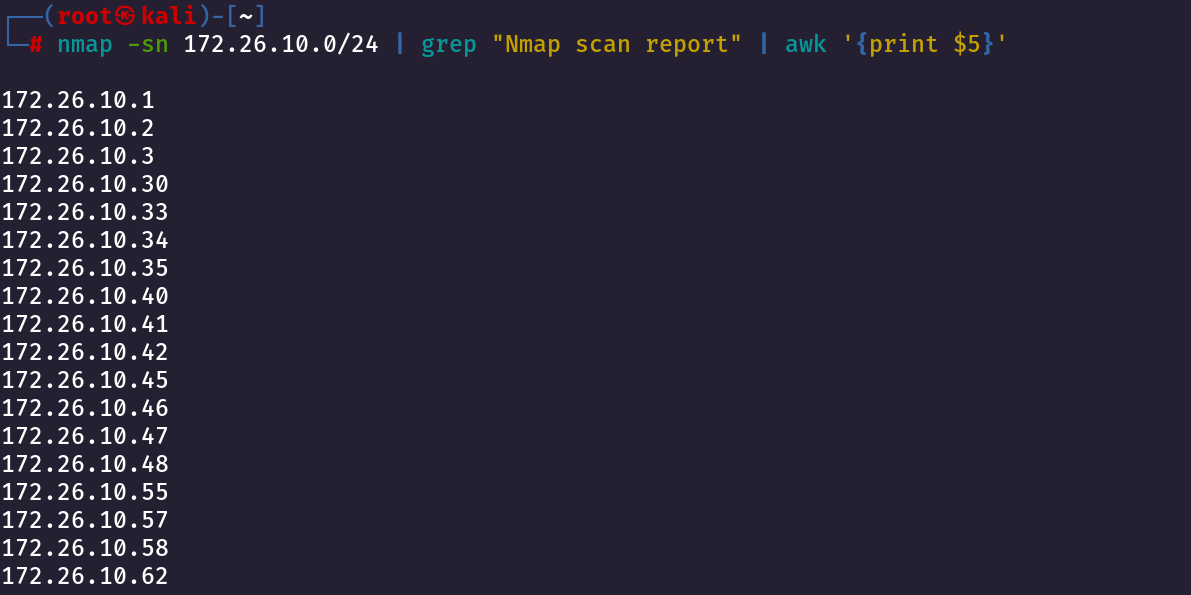
## Get Only IP IPaddress
```python
nmap -sn 172.26.10.0/24 | grep "Nmap scan report" | awk '{print $5}'
```
## Port Scan Script On all Ips
```python
while read ip; do
echo "Port scan for $ip:" >> port_scan_results.txt
nmap -A $ip >> port_scan_results.txt
echo "------------------------" >> port_scan_results.txt
done < ips.txt
```