> For the complete documentation index, see [llms.txt](https://notes.programmersecurity.com/llms.txt). Markdown versions of documentation pages are available by appending `.md` to page URLs; this page is available as [Markdown](https://notes.programmersecurity.com/network-penetration-testing/53-pentesting-dns.md).
# 53 - Pentesting DNS
## DNS Zone Transfer Online
We can use the following website to do DNS Zone Transfer
{% embed url="" %}
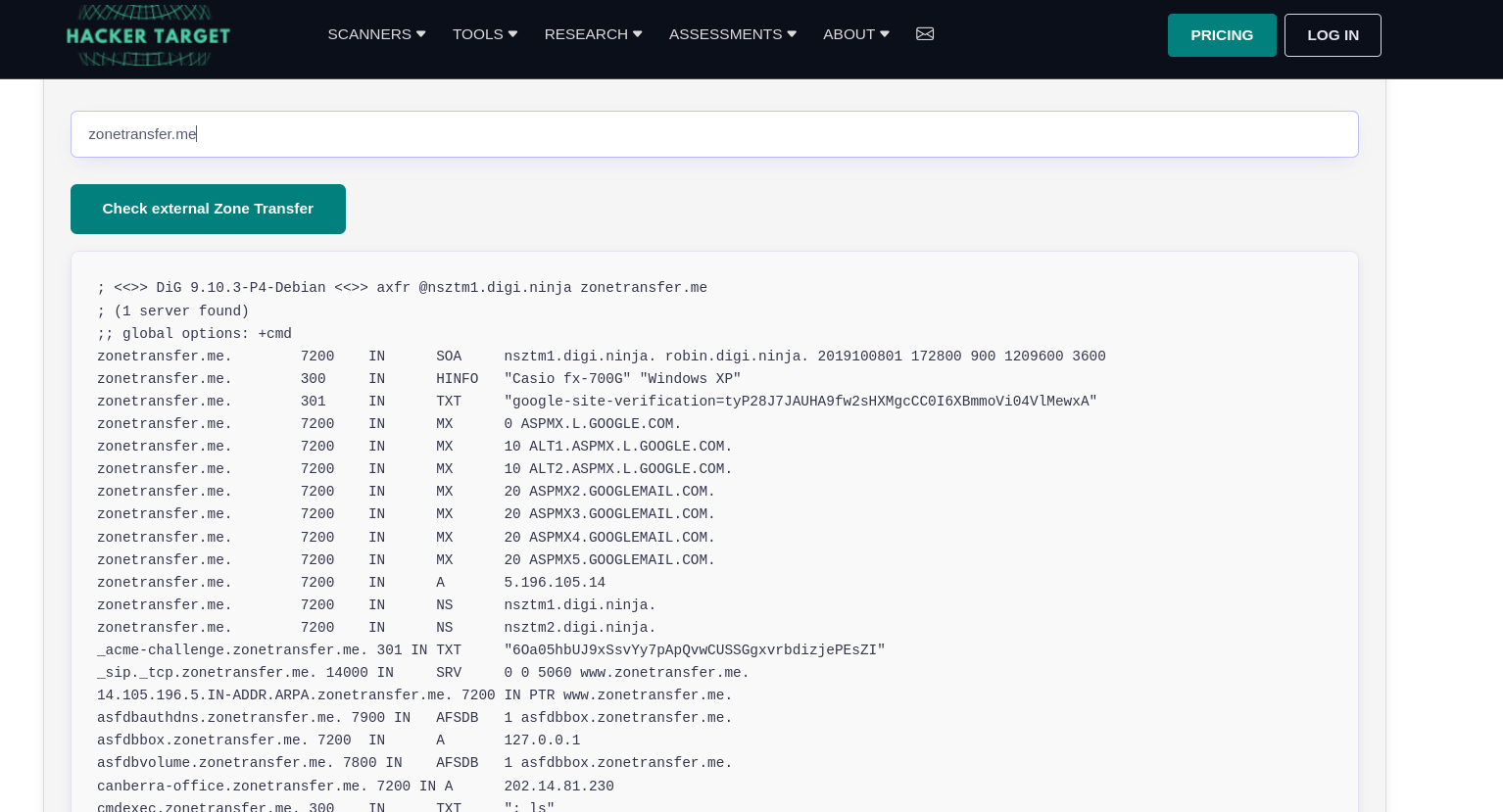
We can get a lot of interesting information doing Zone Transfer below we can see that i did a zone transfer **zonetransfer.me**
## Zone Transfer using NSLookup
We can use nslookup as well to do zone transfer Manually
```javascript
nslookup -type=NS zonetransfer.me // Nameservers
nslookup -type=any -query=AXFR zonetransfer.me nsztm1.digi.ninja //any and axfr
```
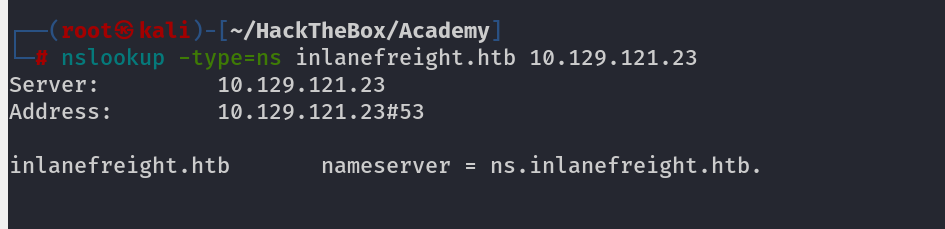
Sometimes you might not get anything using zone transfer so you need to check that wether the IP address is actually the DNS for Domain or not, by using Below command
```python
nslookup -type=ns inlanefreight.htb 10.129.121.23
```
## Zone Transfer using DIG
```python
dig
dig @
#Example
dig inlanefreight.htb
dig axfr inlanefreight.htb @10.129.121.23
```
## DNScan
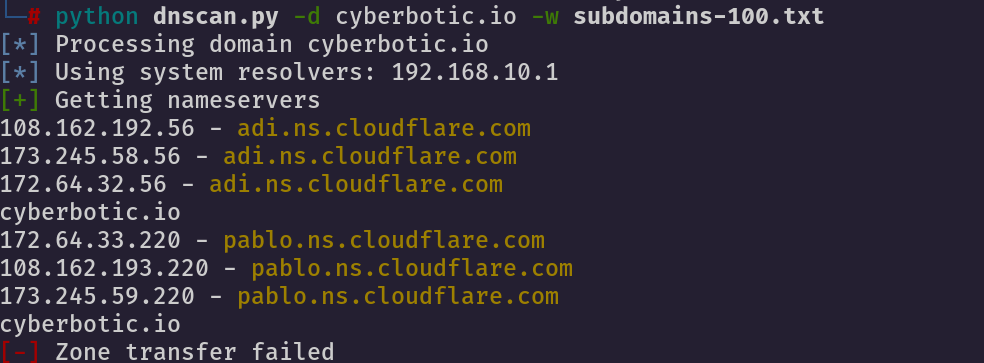
We can use dnscan to find out some more valuable information like subdomains, DNScan comes with its own wordlists which we can use
1. -d -------> Domain
2. -w ------> wordlist