> For the complete documentation index, see [llms.txt](https://notes.programmersecurity.com/llms.txt). Markdown versions of documentation pages are available by appending `.md` to page URLs; this page is available as [Markdown](https://notes.programmersecurity.com/network-penetration-testing/445-pentesting-smb.md).
# 445 - Pentesting SMB
## NetExec
netexec is the latest tool which can be used to enumerate SMB protocol
### Banner Grabbing of IPs using netexec
make a list of ips in a file and then used the below command
```python
netexec smb ips.txt
```
### Password Spraying using netexec
this will try to list all the shares
```
netexec smb ips.txt -u users.txt -p passwords.txt
```
### Netexec to see shares
we can see shares as well using netexec
```python
netexec smb ips.txt -u users.txt -p passwords.txt --shares
```
## SMBClient
### List Shares using SMBClient
We can use smbclient to list the shares and login to the shares as well
```python
smbclient -N -L //10.10.11.236
```
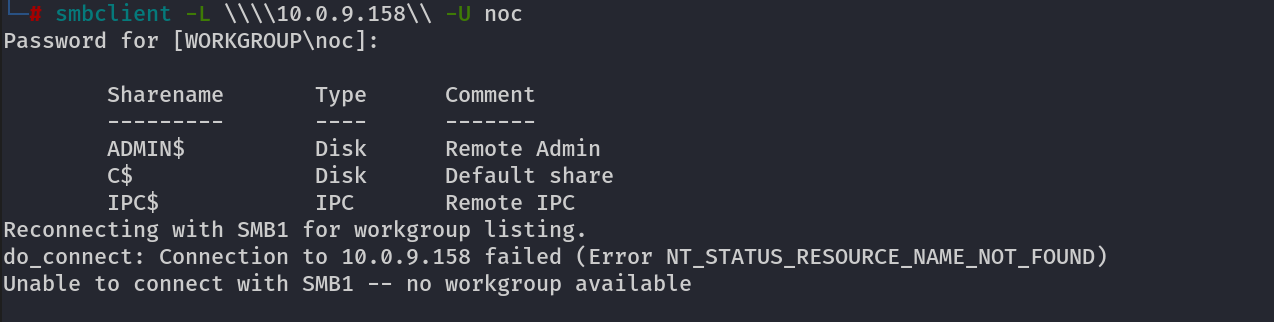
### List Shares with User and Pass
when we have a username and password we can try this
```python
smbclient -L \\\\10.0.9.158\\ -U noc
Password for [WORKGROUP\noc]:
```
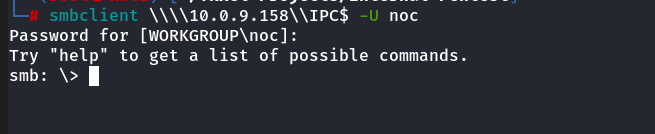
### Download files using SMBClient
Login to SMB
```python
smbclient \\\\10.0.9.158\\IPC$ -U noc
```
now use the following commands and it will recursively download all the files in your kali linux
```python
smb: \> recurse ON
smb: \> prompt OFF
smb: \> mget *
#after this you can find any file using the find command
find . -type f
```
## SMBMAP
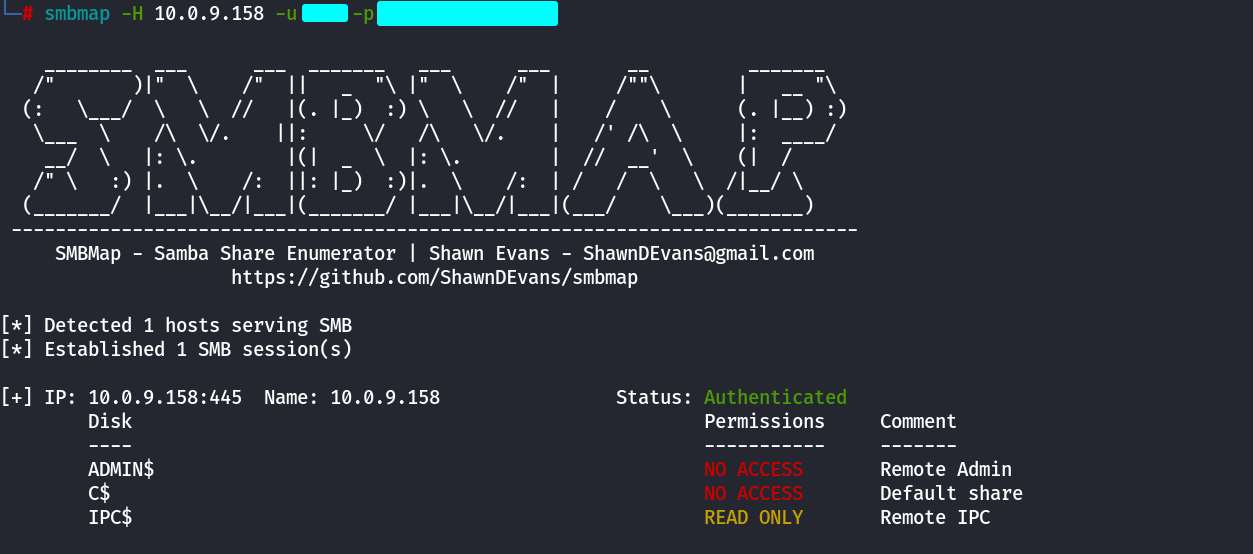
### List Shares using SMBMAP
```
smbmap -H 10.0.9.158 -u username -p password
```
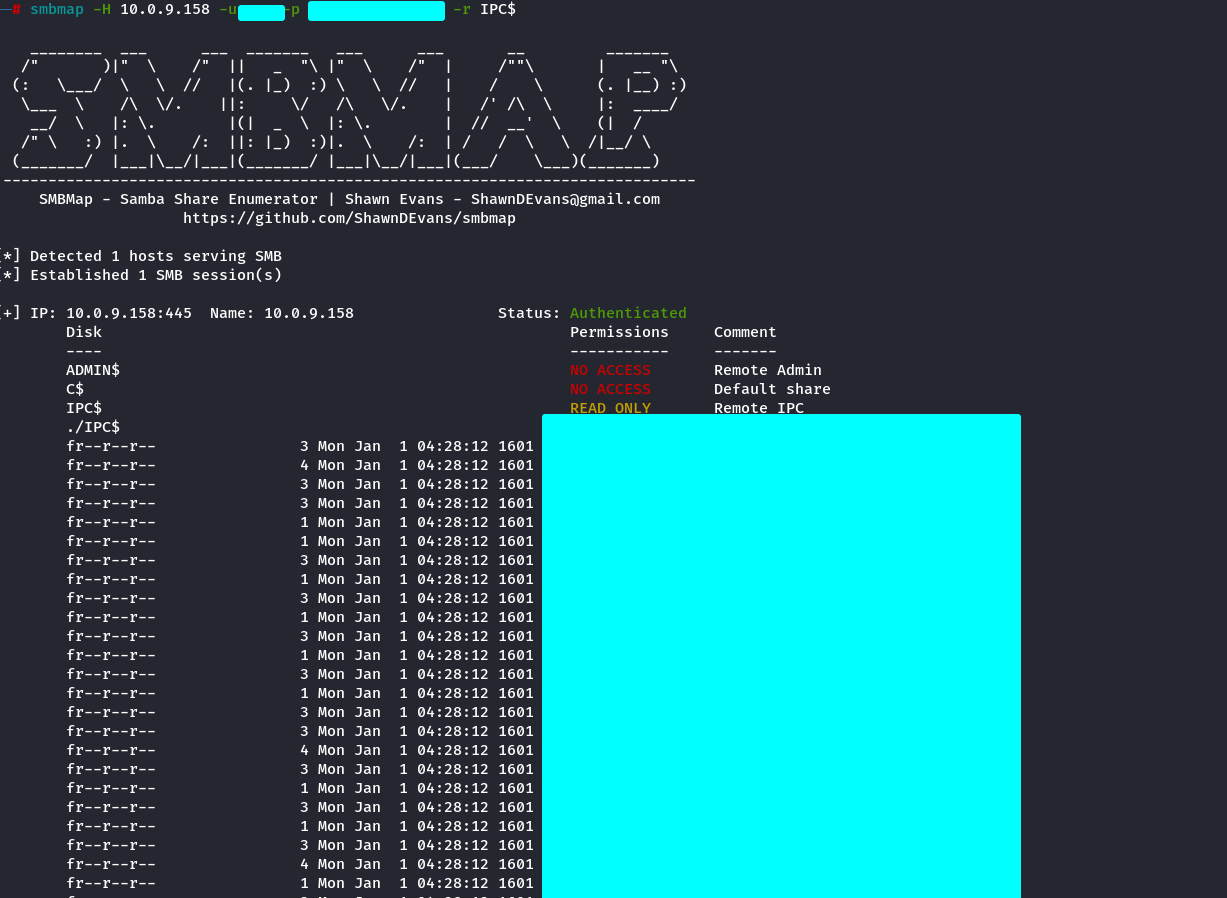
### Directory Structure Listing of a Share Recursively
```
smbmap -H 10.0.9.158 -u username -p 'password' -r IPC$
```
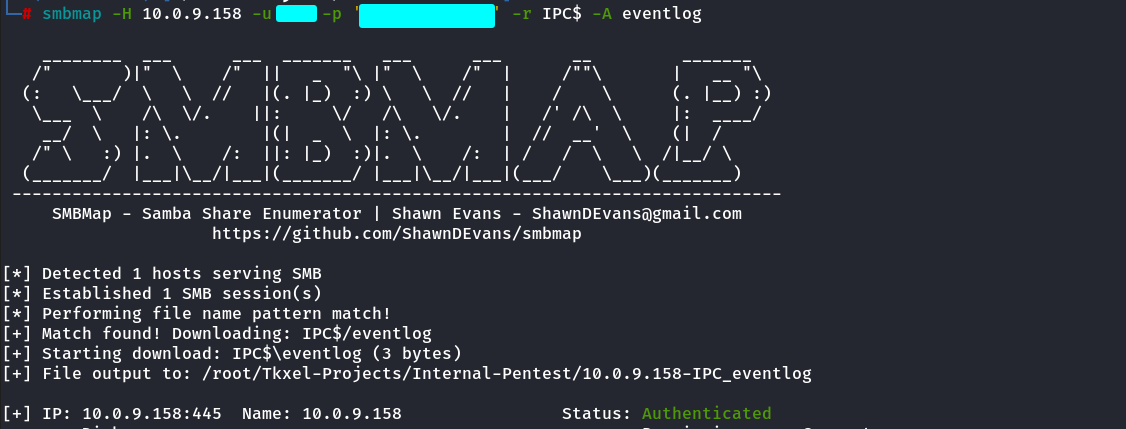
### Download files from Shares using SMBMAP
```python
smbmap -H 10.0.9.158 -u username -p 'password' -r IPC$ -A eventlog
```
## STATUS\_PASSWORD\_MUST\_CHANGE
if you see status password must change, then you can change the password of that user using **impacket-smbpasswd**
```
impacket-smbpasswd baby.vl/Caroline.Robinson@10.10.88.65 -newpass 'Test1234!'
```